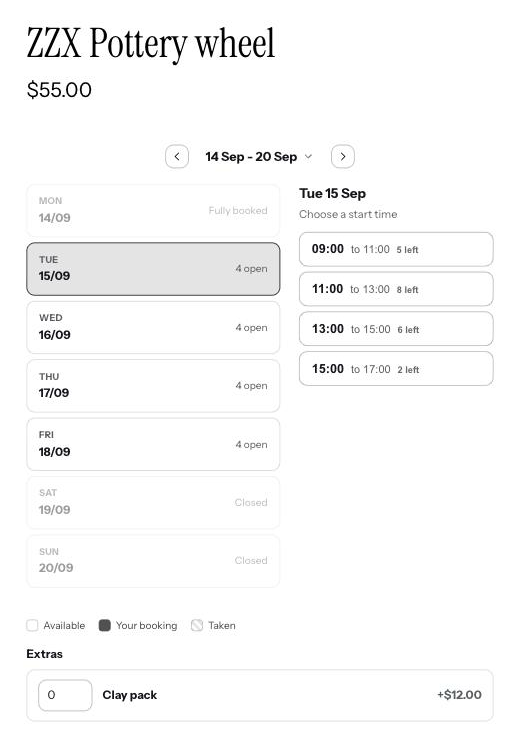
Setting one up
- 1Choose A class or event
When you set up the product, pick A class or event rather than one of the space options. It is on the Pro plan.
- 2Set the places
How many people fit in one session, for example 12 in a yoga class or 20 on a walking tour.
- 3Set the price
Your usual price for a slot, a half day or a full day. Each customer pays that for every place they take, so a family of three pays three times.
How customers book
They pick a session and say how many places they need, then pay for all of them at once. The session stays open to other customers until every place is gone, then it shows as full like any other booked time.
Good to know
Which plan has this?
The Pro plan.
Can a class also have several rooms?
No. A product is either one space, several spaces, one space with different uses, or a class. Pick the one that matches and set up a second product if you need both.